
Short answer: to travel without depending on wifi, use offline-first tools that store the city guide, the activity map, your budget and your journal on your device. That way you can view and edit your whole trip — on a train, a plane or a village with no signal — with no roaming and no connection. The key is that the data lives on your phone, not in the cloud.
Why connectivity fails right when you need it
Abroad, three things pile up: expensive roaming, slow or insecure public wifi, and patchy coverage outside cities. And it's precisely on the move — arriving at a station, looking for somewhere to eat, lost in a new neighborhood — that you need information most. Depending on the cloud at that moment is fragile.
What you need available offline
A well-prepared trip needs four things accessible without data:
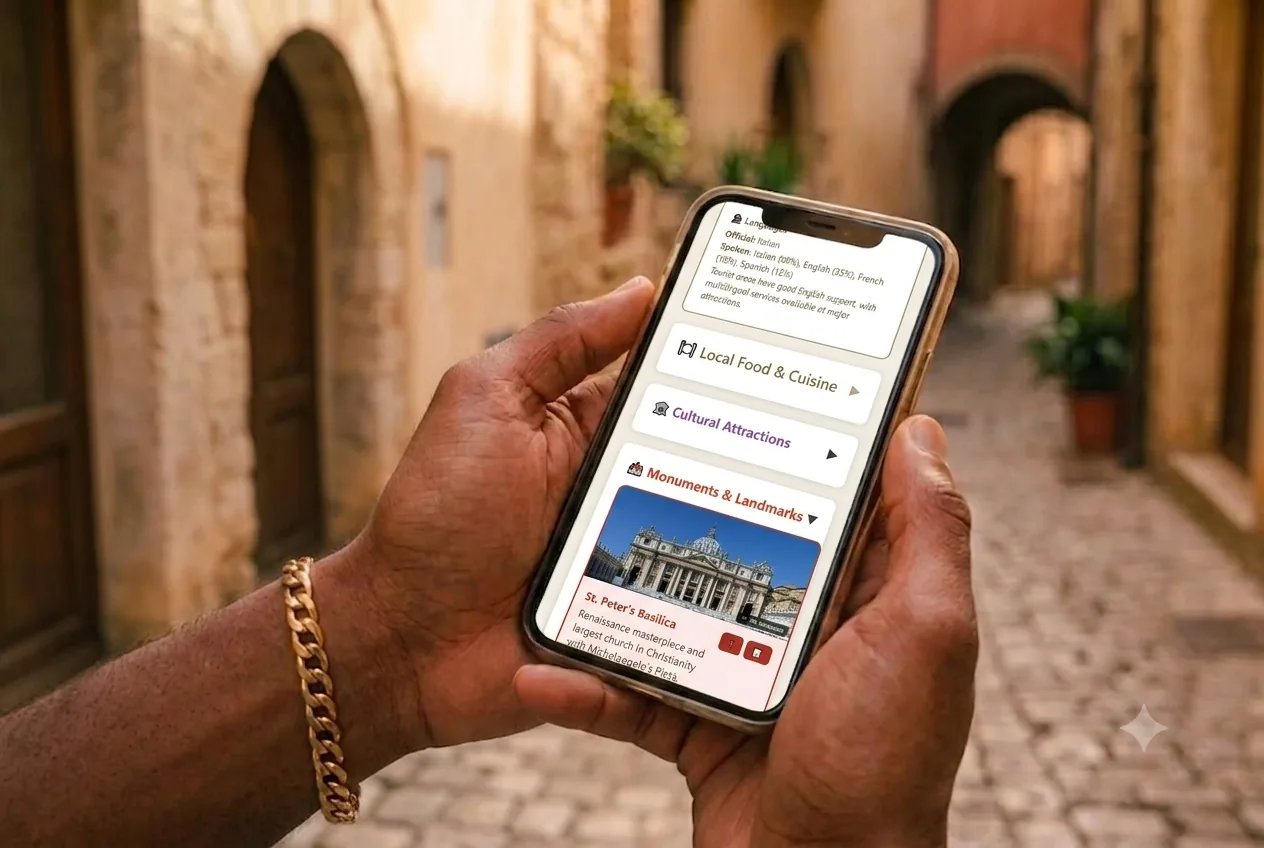
- The city guide — what to see, where to eat, culture and activities, already downloaded.
- Your itinerary — the day-by-day plan, to check and rearrange on the go.
- The budget — to log expenses on the spot, not from memory when you get back.
- Your journal and photos — to capture the memory as it happens, without waiting for wifi.
How to set it up, step by step
- Before you leave (with wifi): load the destination and let the app download the full city guide.
- Build the itinerary by spreading activities across days and slots (morning/afternoon).
- Set your daily budget by category.
- At your destination, offline: check the guide, move activities, log every expense and write your journal. Everything is saved on the device.
- When you're back on wifi (optional): make a backup.
Watch where your data ends up
"Offline" doesn't always mean "private". Many apps work without a connection but, the moment they get one back, upload everything to their servers. If privacy matters to you, choose one that stores on your device and that, if you back it up, sends it to your own storage (your Google Drive, for example) instead of the company's servers.
How Wayfare solves it
I designed Wayfare as offline-first: all six modules — city guide, challenges, timeline, budget, journal and explorer — work with no connection. Your trips, notes and photos live on your device; when you choose to back them up, it goes straight to your own Google Drive, never through our servers. And it's in Spanish, English and French, no app store.
→ Try Wayfare · Starting from scratch? Read the pillar: How to plan a trip step by step.
Frequently asked questions
What does "offline-first" mean?
It means the app is built to work without a connection by default: it stores data on the device and uses the internet only when needed (for a backup, for example).
Can I use maps offline?
Yes; download them before you leave. Wayfare presents activities and the city guide so you can check them with no data.
Do I lose my data if there's no internet?
No. In an offline-first app like Wayfare data is stored locally; the connection is only used for optional backups.
Is it safe for my privacy?
It depends on the app. Wayfare doesn't store your travel data on its servers: it lives on your device and backups go to your own Google Drive.
Written by Érico Dias, creator of Wayfare.