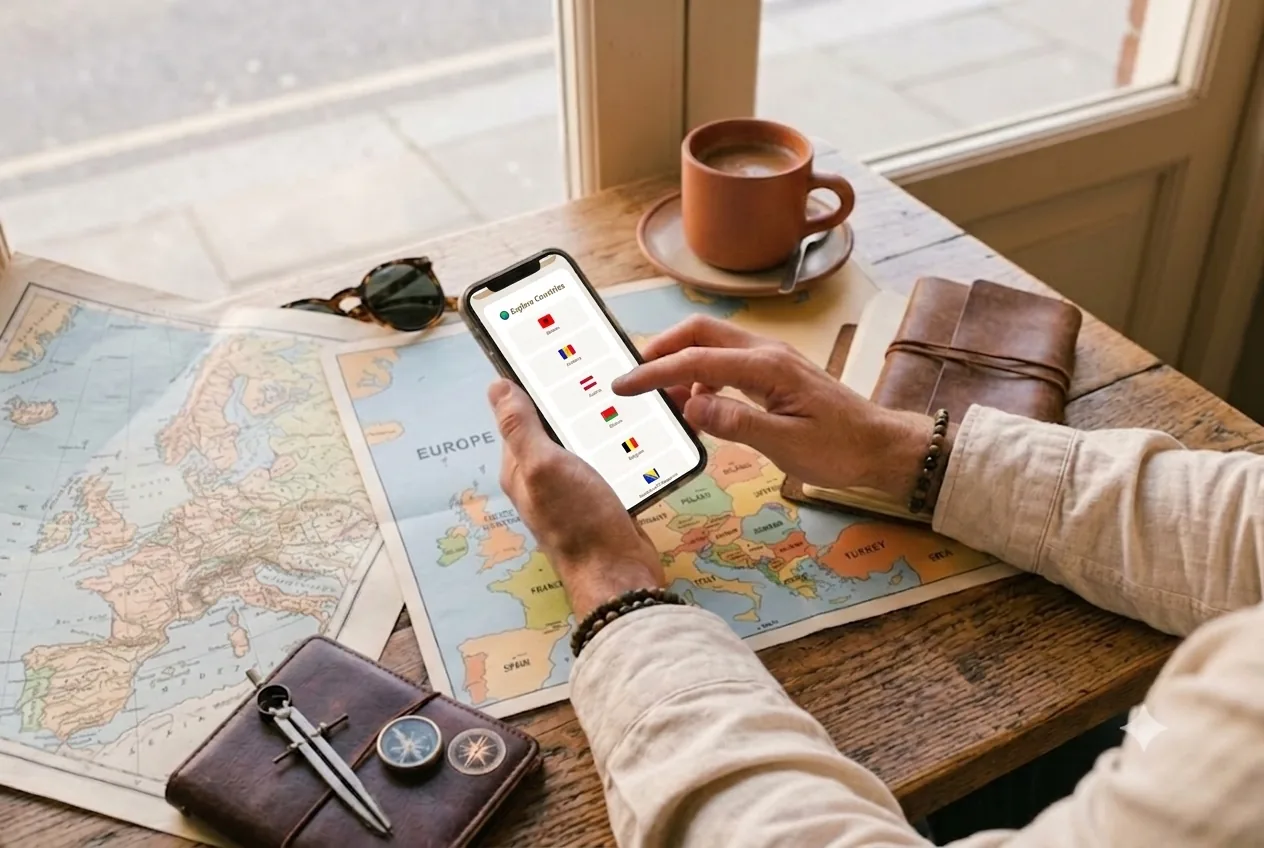
Short answer: planning a trip comes down to five steps: (1) pick your destination, dates and pace, (2) research the city beyond the top-10, (3) spread activities across days into morning and afternoon slots, (4) set a daily budget and track it in real time, and (5) capture your memories as you go. If you use a tool that works offline, you won't depend on hotel wifi for any of it.
Below is the full method, along with the typical mistakes worth avoiding.
In this guide
- 1. Destination, dates and your traveler profile
- 2. Research the city (don't stop at the top-10)
- 3. Spread activities across days
- 4. A daily budget, tracked in real time
- 5. Capture your memories while you travel
- Common trip-planning mistakes
- Frequently asked questions
1. Pick your destination, dates and "traveler profile"
Before the "what to see", define the frame: how many days, what season, with whom and at what pace. A cultural weekend is not the same as two weeks backpacking. That profile drives everything else: how many activities fit in a day and how much budget you need.
Typical mistake: packing the itinerary as if you'll be active 12 hours a day. Leave gaps — the best moments of a trip usually happen in them.
2. Research the city (don't stop at the top-10)
Most people search "what to see in [city]", copy the first 10 results and call it done. The problem: you end up in the same crowded spots as everyone else. It pays to dig deeper: local food, neighborhoods, culture and activities that never make the first page.
This is where a curated, multilingual guide beats a generic list. → We cover it in How to discover a city beyond the top-10.
3. Spread activities across days
With your shortlist ready, it's time to order it. What works best: a day-by-day timeline, assigning each activity to a morning or afternoon slot, and grouping by geographic proximity so you don't cross the city three times.
- At most 1-2 "anchor activities" per day (a big museum, a day trip) + light things around them.
- Leave one free slot a day for the unexpected or rest.
- Have a plan B for rainy days.
→ Dedicated guide: How to plan a daily travel itinerary.
4. Set a daily budget and track it in real time
A budget isn't a spreadsheet you check when you get home: it's a daily boundary. Set a per-day cap, log expenses by category (food, transport, tickets) and watch for overspending as you go. That way you course-correct on day 3 instead of getting a shock when you return.
A system with color alerts (green/amber/red) keeps you aware without the stress. → How to do it: How to manage a travel budget.
5. Capture your memories while you travel, not after
The most common mistake: saying "I'll sort it out when I get back" and never doing it. Keep a day-by-day journal with photos and short notes as it happens. When you return, instead of a chaotic photo folder you have a story — ideally exportable as a PDF to relive or give away.
→ Dedicated guide: How to make a travel journal you can give away.
What if there's no internet? Plan offline
Abroad, roaming and wifi fail right when you need them most. The fix is to plan with a tool that works offline: check the guide, move activities, log expenses and write memories even on a train with no signal. → Full guide: How to plan a trip without internet.
Common trip-planning mistakes
- Overloading your days. More activities ≠ a better trip. It's the fast track to burnout.
- Ignoring geography. Bouncing across the city burns hours and energy. Group by area.
- No plan B. A rainy day with no alternatives ruins the day. Keep two or three indoor options.
- Betting everything on connectivity. If your plan lives in the cloud, one day without data leaves you stranded. Download the essentials.
- Leaving the budget for last. Without daily tracking, the "where did my money go?" is inevitable.
- Postponing memories. Photos without context pile up and never get sorted. Note things as they happen.

How Wayfare does it (from start to finish)
I built Wayfare precisely to cover these five steps in one place and offline: pick your destination and profile, load the city guide, spread activities on the timeline, track your budget and write your journal — and in the end your trip becomes an illustrated PDF. Your data lives on your device; if you back it up, it goes to your own Google Drive, not our servers.
Available in Spanish, English and French, no app store. → Try Wayfare
Frequently asked questions
How far in advance should I plan a trip?
For flights and accommodation, the sooner the better (2-3 months). The day-to-day itinerary you can finalize the week before, leaving room to improvise.
How many activities should I fit per day?
One or two "anchors" plus light things. Any more and you end up rushing and enjoying less.
In what order should I plan?
First what expires or gets pricier (flights, lodging, popular tickets). Then the daily itinerary, the budget and, as you go, the memories.
Do I need an app to plan a trip?
Not mandatory, but a tool that combines guide, itinerary, budget and journal — and works offline — saves you jumping between five separate apps.
Can I plan without an internet connection?
Yes. With an offline-first app like Wayfare you can view and edit your whole trip with no signal.
How do I avoid overspending on a trip?
Set a daily cap, log expenses by category on the spot, and use alerts to know when to slow down. Daily tracking is what prevents the final shock.
Written by Érico Dias, product designer and developer, creator of Wayfare.