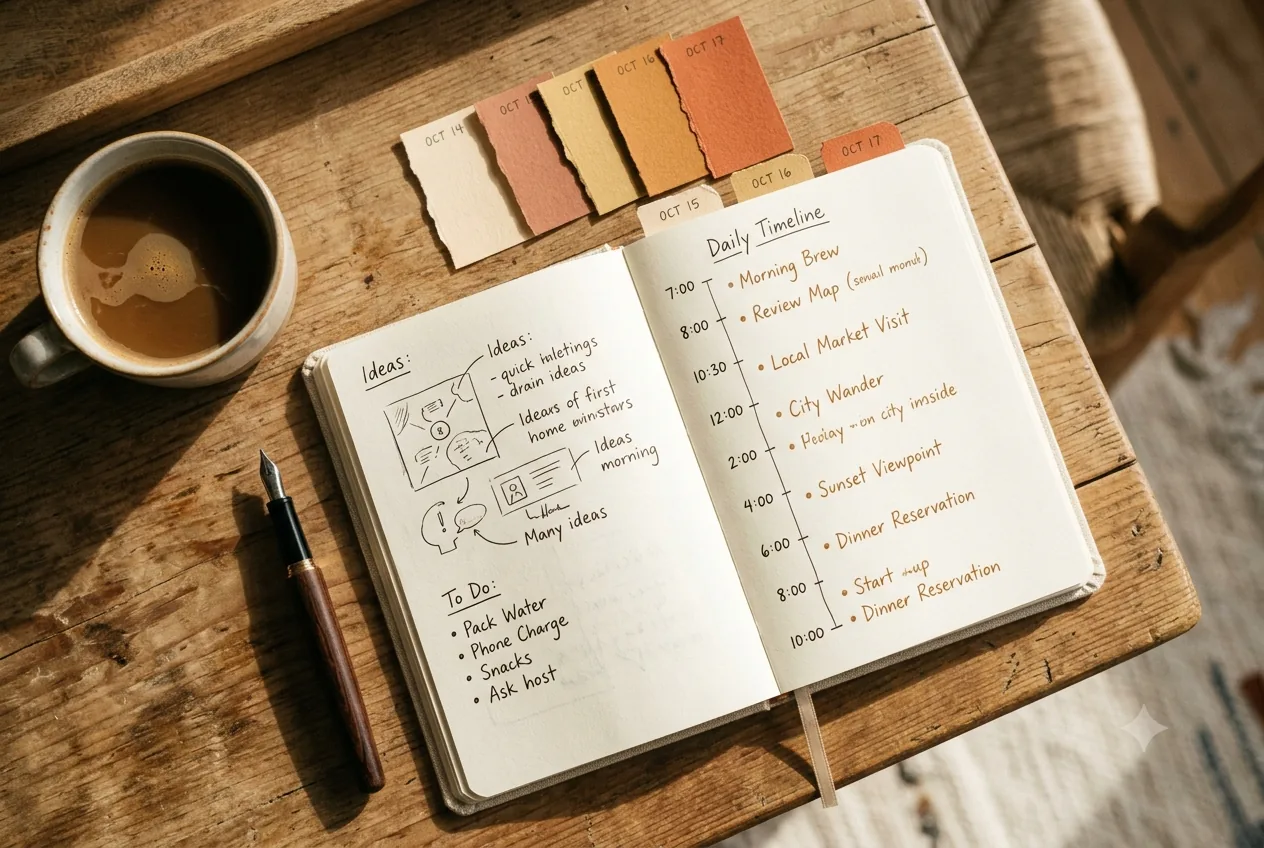
Short answer: go from a list of places to a real plan by spreading activities across days and, within each day, into morning and afternoon slots. Group by geographic proximity so you don't cross the city several times, put at most 1-2 "anchor" activities per day, and leave one free slot for the unexpected. A visual timeline lets you see it all at a glance and rearrange in seconds.
The starting mistake: a list is not an itinerary
Having 25 places noted down isn't a plan; it's a wish list. Without splitting them up, you end up improvising every morning, wasting time on absurd trips and missing the best of it. The itinerary turns that list into something you can actually execute.
Step by step
1. Group by area
Mark which neighborhood each activity falls in and group the nearby ones on the same day. It's the fastest way to gain 1-2 hours a day that would otherwise be lost to travel.
2. Set "anchors" and fill in around them
Each day, pick 1-2 anchor activities (the essentials: a big museum, a day trip, a special meal) and put light, flexible things around them. If a day has three anchors, it's too much.
3. Split into morning and afternoon
Assign each activity to morning or afternoon. Put things that open early or have queues first thing, and the relaxed stuff in the afternoon. Keep one free slot a day.
4. Have a plan B (rain / closures)
For each day, have a couple of indoor alternatives. One surprise shouldn't sink your day.
5. Review it at a glance and adjust
The itinerary isn't sacred. Look at the whole thing, spot overloaded days and rebalance before you leave — and on the go, without fear of moving things around.
How Wayfare does it
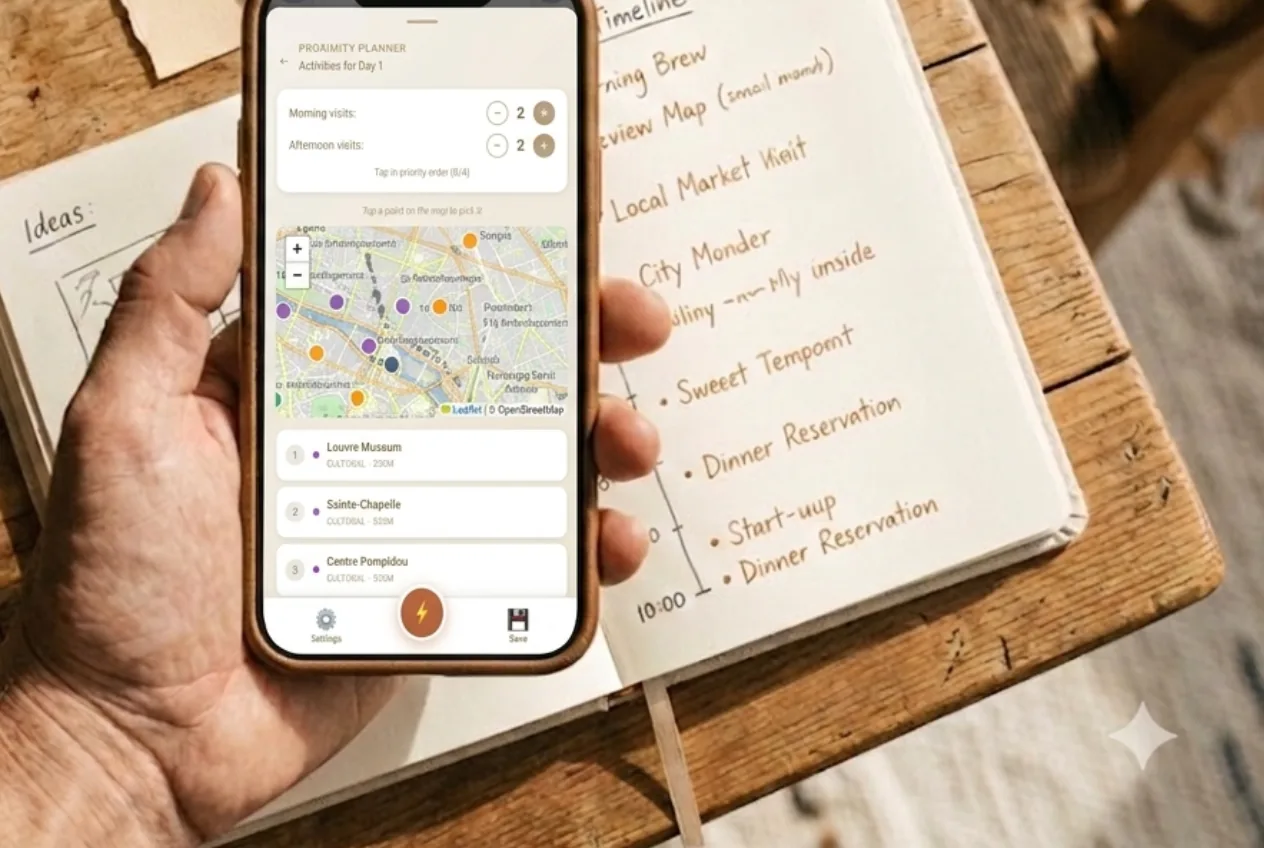
Wayfare's Visual Timeline module is made for this: a week-by-week timeline where you assign activities to morning/afternoon slots, reschedule by dragging and see the whole trip at a glance. Since it works offline and is integrated with the city guide and budget, reorganizing day 3 from a café with no wifi is as easy as at home.
→ Try Wayfare · Full guide: How to plan a trip step by step.
Frequently asked questions
How many activities should I put per day?
One or two "anchors" plus light things around them. Any more and you end up rushing.
Morning or afternoon for each thing?
Whatever opens early or has queues, first thing; the relaxed stuff, in the afternoon. And always leave one free slot.
How do I avoid wasting time on travel?
Group by area: do what's close on the same day. It's the change that saves the most hours.
Can I reorganize the itinerary during the trip?
Yes; with a tool like Wayfare you can move it all on the go, even offline.
Written by Érico Dias, creator of Wayfare.